Zoecial-Template-AI-Tools-I-am-playing-with-NapkinAI (1)

You know that feeling when you stumble on a tool that feels like it was made just for you?

That’s exactly how I felt after messing around with Napkin.ai.

As a writer and social media manager, words and visuals are my life, but let’s be real — sometimes the
creative well runs dry.

Enter Napkin, the AI sidekick I didn’t know I needed.

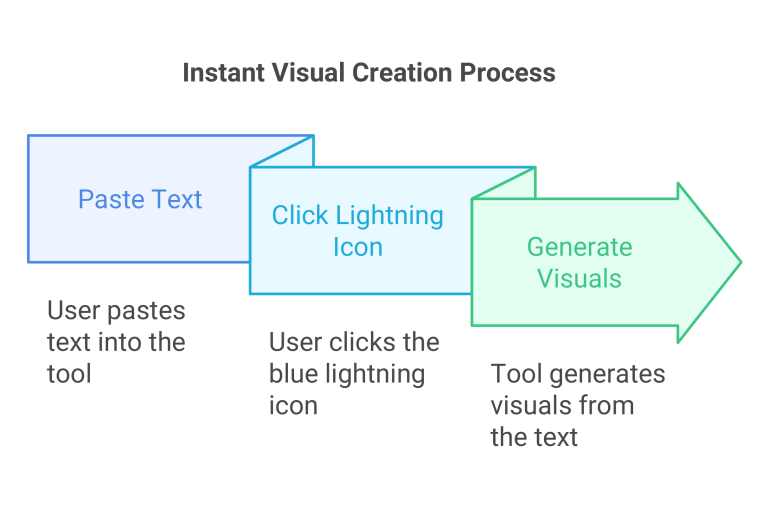
Napkin doesn’t ask you for fancy prompts or complicated inputs. You just paste your text,
click the blue lightning, and boom — instant visuals that actually make sense.

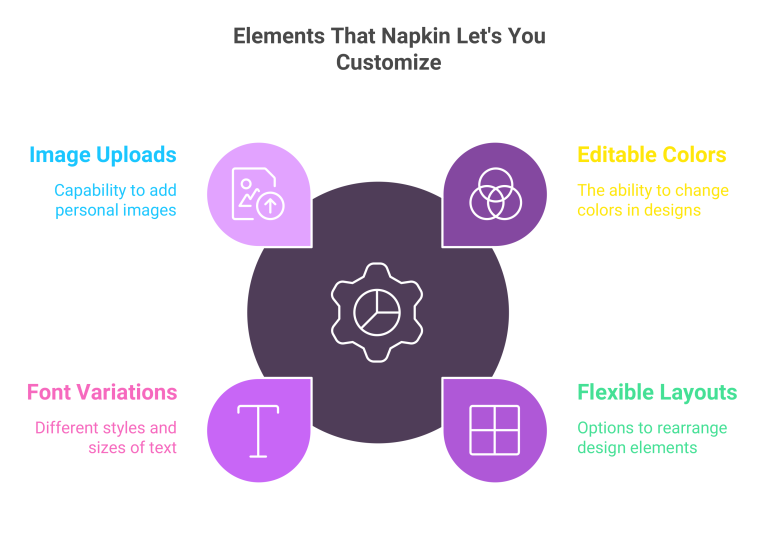
It’s like having an infographic designer in your pocket. But the real magic? Everything it spits out is editable. I’m talking colors, layouts, fonts. It’s like playing dress-up with your content. You can even upload your own images so you can do everything in one place.
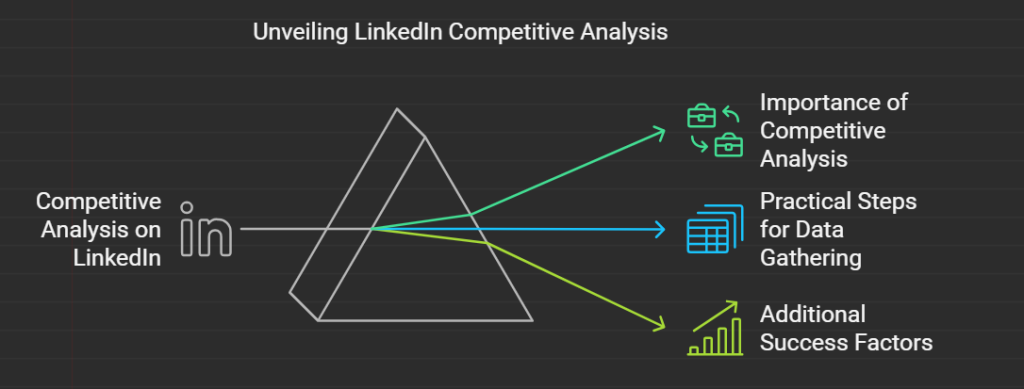
I dropped my LinkedIn Competative Analysis blog into Napkin just to see what it would do,
and to my surprise, it pulled out sections I hadn’t even thought of as “visual material” and
turned them into stunning infographics. Suddenly, stats I had buried deep in the text became
sleek charts, and key points transformed into eye-catching layouts.


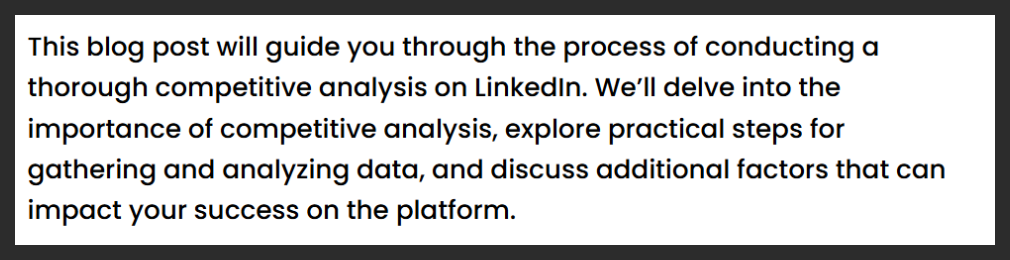
Here is a snip of the original text:

Here is the visual:

Now, this is a new tool, and there are still improvements I would like to see, like being able
to download as a Ping or are a Word Doc. And the downloads are not always matching the
spacing of the working doc. But wow, I am impressed!

For social media managers, visuals are the secret sauce — and sometimes you just need a
shortcut to keep things spicy.

And the best part? It’s still in beta and totally free.

If you geek out over new AI tools or just need a creative jolt, you need to check Napkin out.
Who knows? You might end up with ideas you didn’t even know were in you.
Tried any wild AI tools lately? Hit me up — I’m always down to swap cool finds.

Skip to content